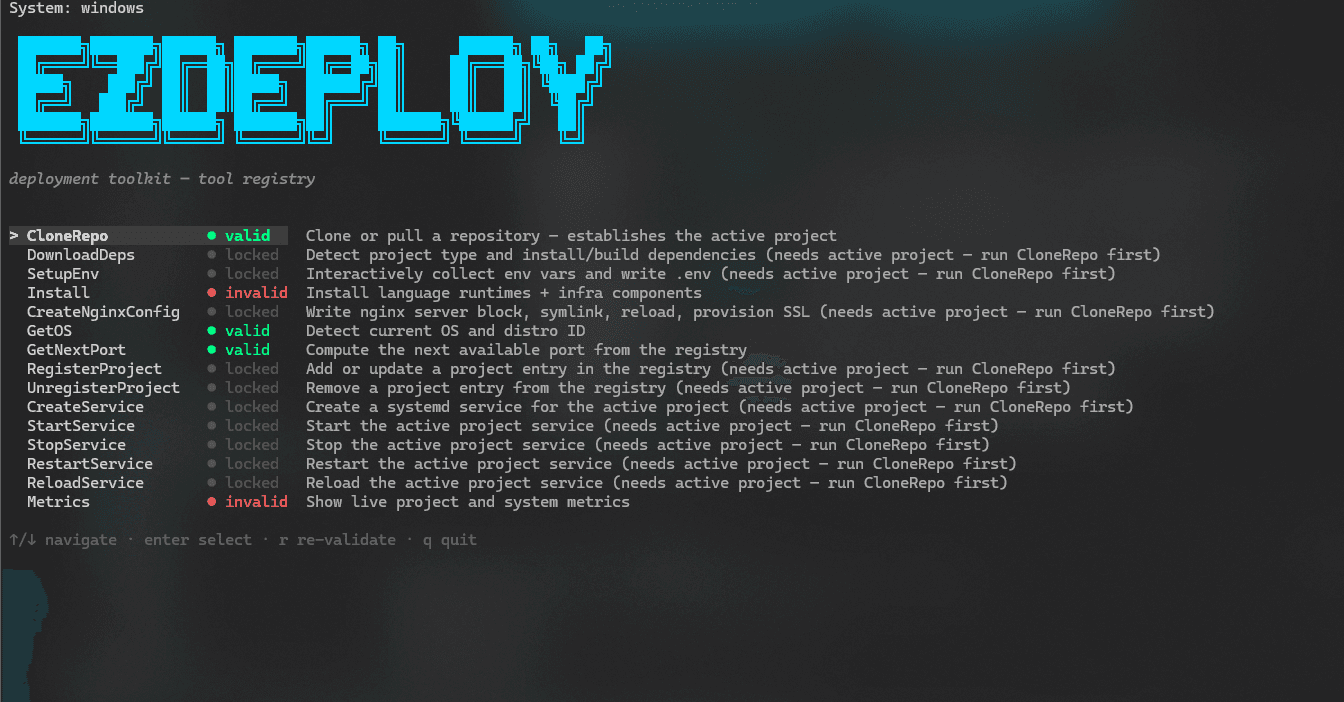
Deployment Automation · Linux Infrastructure
EZDeploy — Linux Deployment Automation
EZDeploy turns a Git repository into a production-managed application on a systemd Linux host. It owns the path from source synchronisation through runtime preparation, service or container launch, Nginx routing and HTTPS, while maintaining a deployment registry for repeatable operations.
Releases are built around recoverability. Remote commit-driven deployments use authenticated Git and SSH controls, divergence-safe branch updates and last-known-good rollback so a failed candidate never becomes the only runnable version.
Key Features
Repository to HTTPS
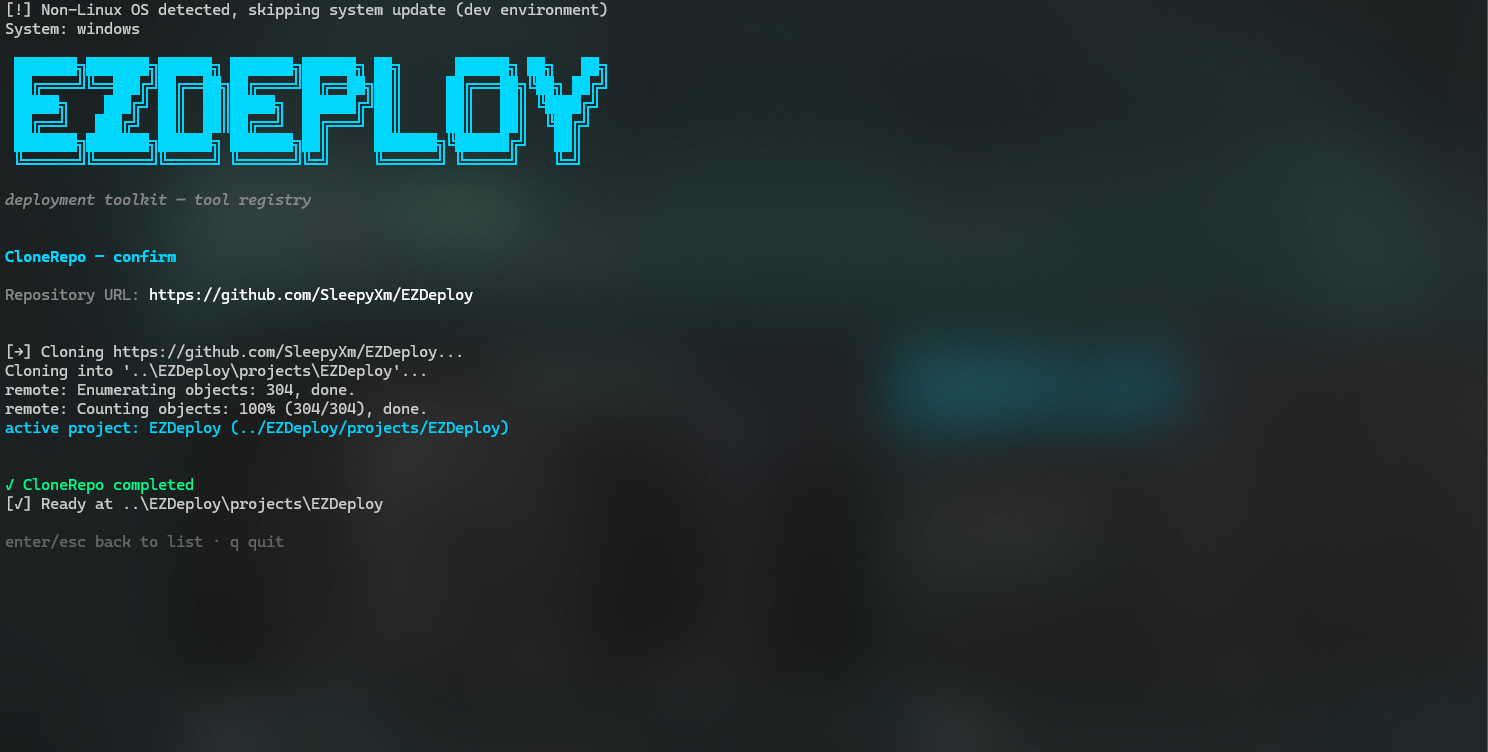
Clones or updates the selected branch, discovers application requirements, prepares the runtime, launches the service and provisions a validated Nginx and TLS configuration in one guided flow.
Rollback-aware releases
Builds and verifies a candidate before promotion, retains the previous release during the switch and automatically restores the last-known-good version when startup or health validation fails.
Remote commit operations
Authenticated operators can select a registered project, create a deployment commit against its configured branch and trigger redeployment over SSH, keeping every release tied to an auditable Git state.
Operational control plane
The terminal workspace exposes project status, ports, uptime, memory, host CPU, RAM and disk alongside service controls and journal-backed logs.
Implementation
Codebase discovery
The walker detects environment-variable usage, routes, language and framework signals, nested Dockerfiles, exposed ports and start commands before deployment begins.
Release-safe Git controller
Repository identity is verified before updates, branch movement is restricted to fast-forward merges, and private SSH keys must pass strict file and permission checks before being scoped to the Git process.
Dual runtime orchestration
Native applications run as the invoking user under restart-managed systemd units, while Docker workloads use loopback-only port publishing and keep the previous container available until promotion succeeds.
Ingress and release registry
EZDeploy records the active branch, runtime, ports, Docker context, domain and status, then generates route-aware Nginx configuration, validates it and provisions HTTPS through Certbot.
Architecture in motion
How it works
Source to managed service
A repository is synchronised into a known project location, inspected for its operational contract and converted into either a native systemd service or an isolated Docker workload.
- Git repository
- Verified clone or fast-forward
- Environment and runtime discovery
- Dependency preparation
- Registered service
Repository identity, configured branch and project path are verified before deployment state is changed.
 Open full size ↗
Candidate promotion and rollback
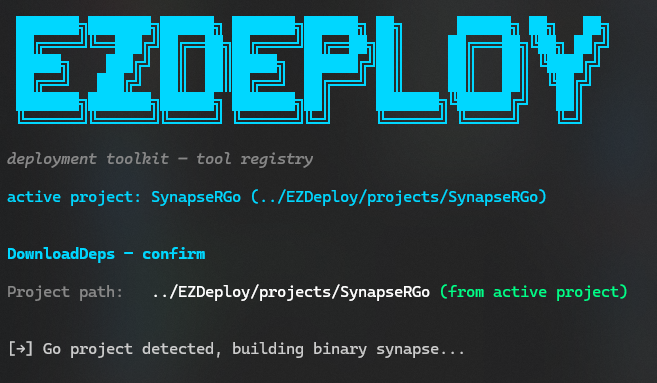
The next release is prepared separately from the active process. Only a verified candidate is promoted; any failed start restores the retained release and its routing state.
- Remote deployment commit
- Branch-safe synchronisation
- Candidate build
- Startup verification
- Promote or restore
The active release remains recoverable throughout promotion, providing an automatic last-known-good rollback path.
 Open full size ↗
Configuration to secure ingress
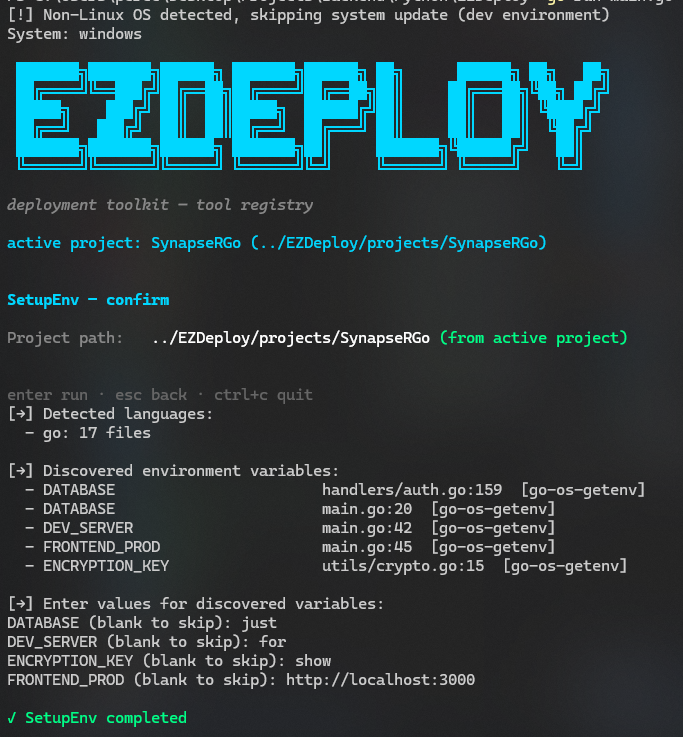
Discovered variables and routes become a protected runtime environment and a deliberately exposed HTTP surface, with the application itself remaining bound behind Nginx.
- Source-level environment discovery
- 0600 environment file
- Loopback service port
- Validated Nginx routes
- Certbot HTTPS
Existing secret values are preserved, new variables retain their source locations and Nginx changes must pass validation before reload.
 Open full size ↗
Design Choices
Fail closed on ambiguous source state
Existing clones must match the requested remote and divergent branches are never merged implicitly, preventing automation from concealing a release decision.
Build before interruption
Candidate images and dependencies are prepared before the live workload is touched, shrinking the failure window and preserving a concrete recovery target.
Keep secrets and processes least-privileged
Environment and private-key files use restrictive permissions, SSH credentials are process-scoped and native services run as the original sudo user rather than root.
Treat deployment state as product data
A durable registry gives the interface a single operational view of every project, release branch, runtime, port, domain and current status.